GuidesAug 3, 2026
How to edit a PDF with no sign up and no watermark
Edit PDFs online with no account, no trial, and no watermark. Here is how to make changes and download your file in seconds, without handing over an email.
THE PAINLESSPDF BLOG
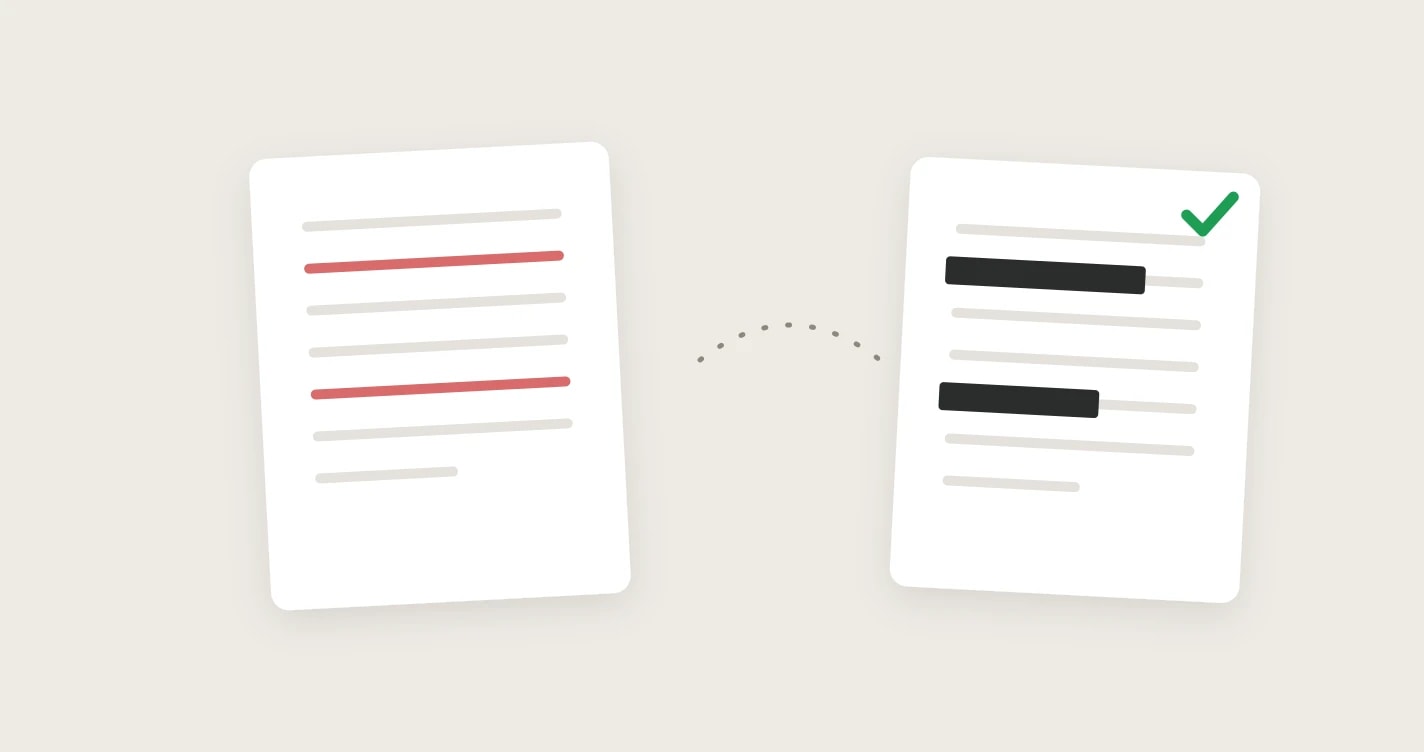
Black out names, numbers, and images in a PDF for free, and make sure the text underneath is actually gone. Plus a quick test to tell a real redaction from a fake one.
Edit PDFs online with no account, no trial, and no watermark. Here is how to make changes and download your file in seconds, without handing over an email.
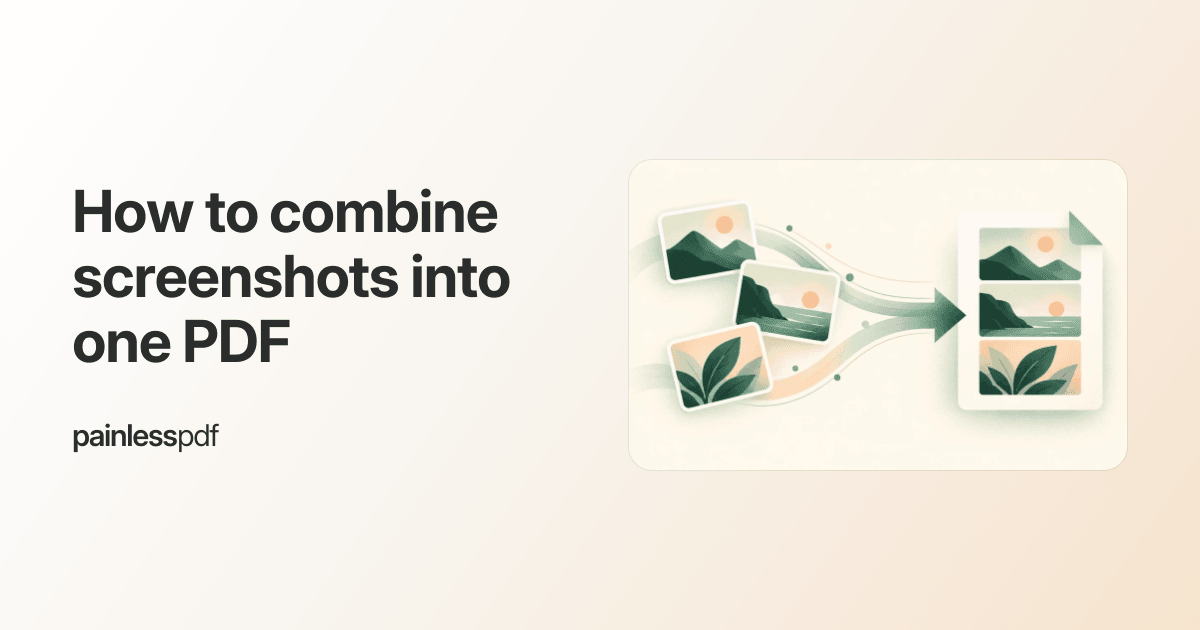
Turn a folder of screenshots into a single, tidy PDF you can send in one click. Free, no sign up, and no watermark.
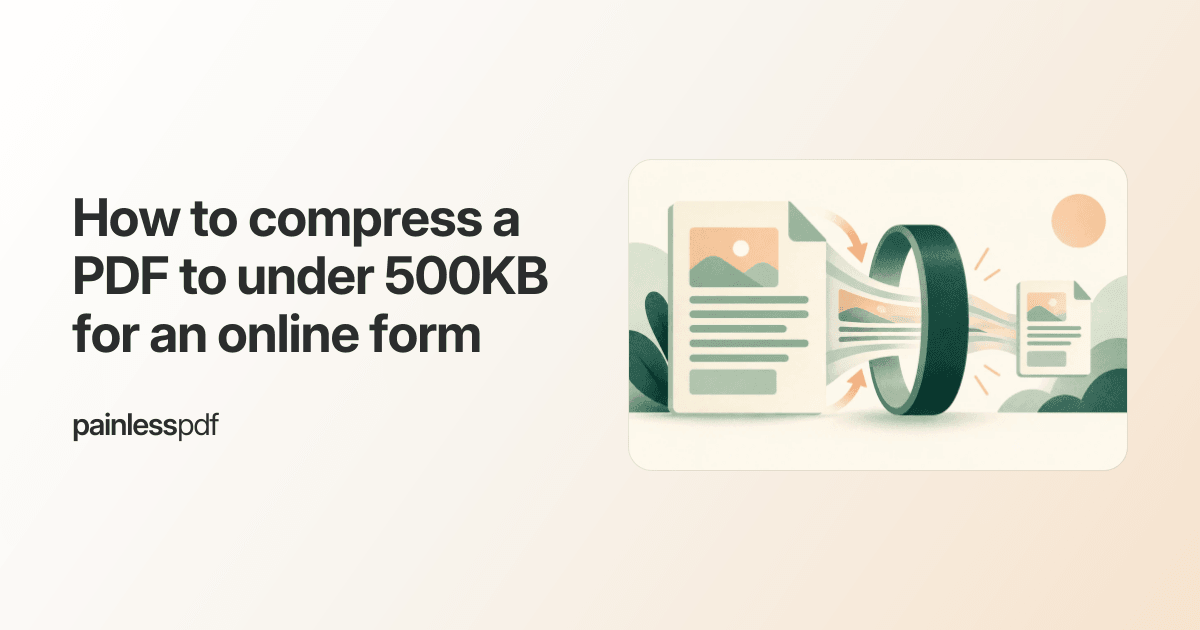
Many web forms and portals reject PDFs over a few hundred KB. Here is how to shrink yours below 500KB for free, without wrecking the text.
Got a PDF form with no clickable fields? Here is how to type your answers anywhere on the page for free, with no sign up and no watermark.
Highlight, underline, strikethrough, and add notes to a PDF for free online. No sign up, no watermark, and files are processed securely and not kept.
Yes, there is a free PDF editor that actually works. Edit text, add notes, and rearrange pages in your browser with no trial, no sign up, and no watermark.
Remove unwanted, blank, or confidential pages from a PDF for free online. No sign up, no watermark, and files are processed securely and not kept.
Add your signature to any PDF document directly in your browser. Type, draw, or upload a signature and place it anywhere on the page.
Combine two or more PDFs into a single file directly in your browser. Drag to reorder, preview pages, and download the merged result.
Add text anywhere on a PDF document directly in your browser. Choose fonts, colors, and sizes with a simple click-to-type editor.
A step-by-step guide to inserting images into PDF documents directly in your browser. No downloads, no sign-ups.