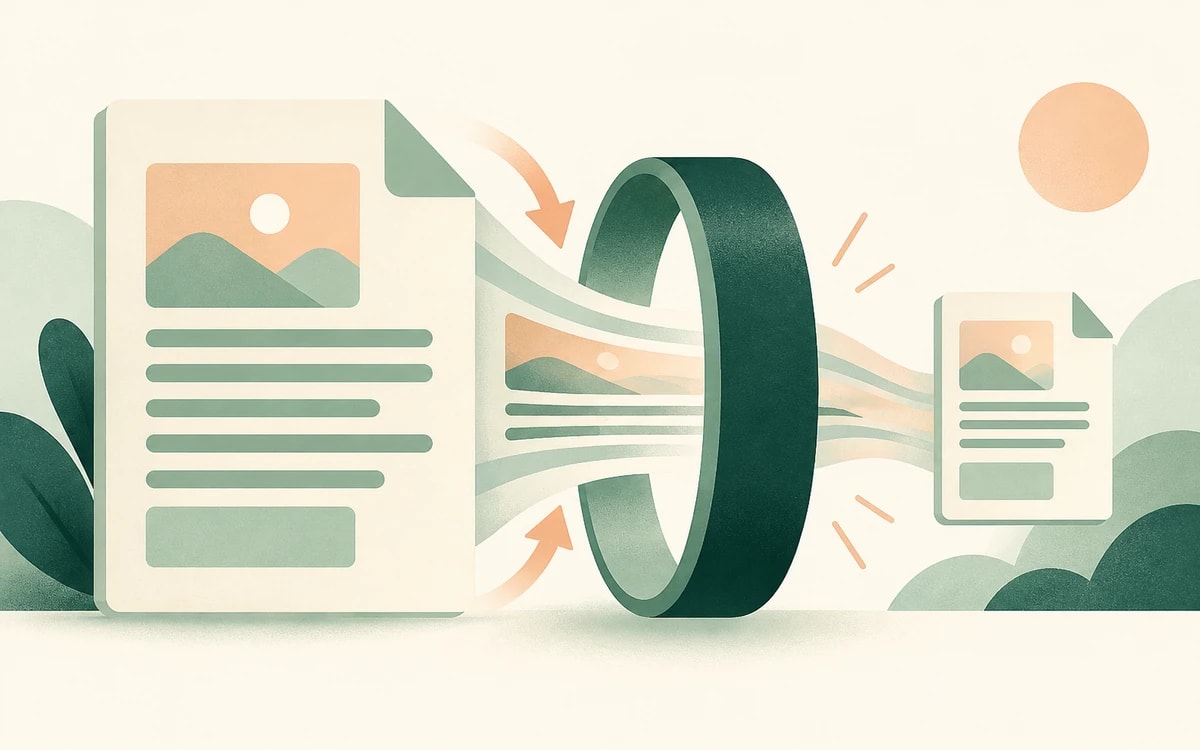
Online-Formulare, Uni-Portale und Behörden-Uploads begrenzen Dateien oft auf ein paar Hundert Kilobyte. Du klickst auf Absenden und bekommst „Datei zu groß", obwohl die PDF dir klein vorkommt. Die Lösung ist meist, sie unter die Grenze zu komprimieren – häufig 500 KB oder sogar weniger.
Diese Anleitung zeigt dir, wie du eine PDF kostenlos mit PainlessPDF auf unter 500 KB komprimierst und den Text dabei lesbar hältst, damit das Dokument seinen Zweck weiter erfüllt.
Warum Portale deine PDF ablehnen
Ein Formular lehnt eine Datei ab, wenn sie über der Größengrenze des Portals liegt – nicht über der E-Mail-Grenze. Viele Portale liegen bei rund 500 KB, manche verlangen unter 200 KB oder 100 KB. Gescannte Seiten sind der übliche Grund, warum eine Datei schwer ist, denn Bilder brauchen weit mehr Platz als Text.
So komprimierst du eine PDF auf unter 500 KB
1. Öffne den Kompressor
Geh zu PDF komprimieren und zieh deine Datei hinein. Es gibt keinen Login- oder E-Mail-Schritt.
2. Lass die Datei verkleinern
Das Tool kodiert die Bilder und Schriften in der PDF neu, statt sie nur zu zippen – die Einsparung ist also echt. Wenn es fertig ist, siehst du, wie viel kleiner die Datei geworden ist.
3. Prüfe, ob sie unter der Grenze liegt
Vergleiche die neue Größe mit der Obergrenze des Portals. Die meisten textbasierten Formulare fallen in einem Durchgang deutlich unter 500 KB. Lade die kleinere Datei herunter und lade sie hoch.
Wenn deine Datei immer noch zu groß ist
Ein einzelner Kompressionsdurchgang erreicht nicht immer ein sehr kleines Ziel. Ein paar ehrliche Optionen:
- Entferne Seiten, die du nicht brauchst. Lösche überflüssige Seiten vor dem Komprimieren; weniger Seiten bedeuten eine kleinere Datei.
- Teile das Dokument auf. Wenn das Portal mehrere Dateien akzeptiert, teile die PDF auf und lade nur den relevanten Teil hoch.
- Scanne mit niedrigerer Einstellung neu. Ist die PDF ein Scan, ergibt das Scannen mit 150 bis 200 DPI in Graustufen eine deutlich kleinere Ausgangsdatei.
Verschlechtert die Kompression die Qualität?
Der Text bleibt scharf, weil er als Text erhalten bleibt – das ist auch wichtig für Formulare, die dein Dokument automatisch auslesen. Bilder werden neu kodiert und können leicht weicher werden, aber die Seite bleibt zum Lesen und Drucken klar. Ist eine Datei bereits klein, bekommst du das Original zurück statt einer größeren Kopie.
Ist das kostenlos?
Ja. Eine PDF zu komprimieren ist kostenlos – ohne Wasserzeichen und ohne Konto. Der kostenlose Tarif verarbeitet Dateien bis 1 MB, was die meisten Formular- und Portaldokumente abdeckt.
Du musst unter die Grenze kommen? Komprimiere jetzt deine PDF.