Guides
Runs in your browser - the file is never uploaded
Drag and drop the watermarked file. Files up to 50MB are supported, and nothing is uploaded - it all happens on your device.
The tool finds and deletes the standard watermark structures on every page: watermark overlays, DRAFT and CONFIDENTIAL stamps, Acrobat-style watermarks, and layers named as watermarks.
The cleaned file downloads instantly, with a count of what was removed. The rest of the document - text, images, layout - is untouched.
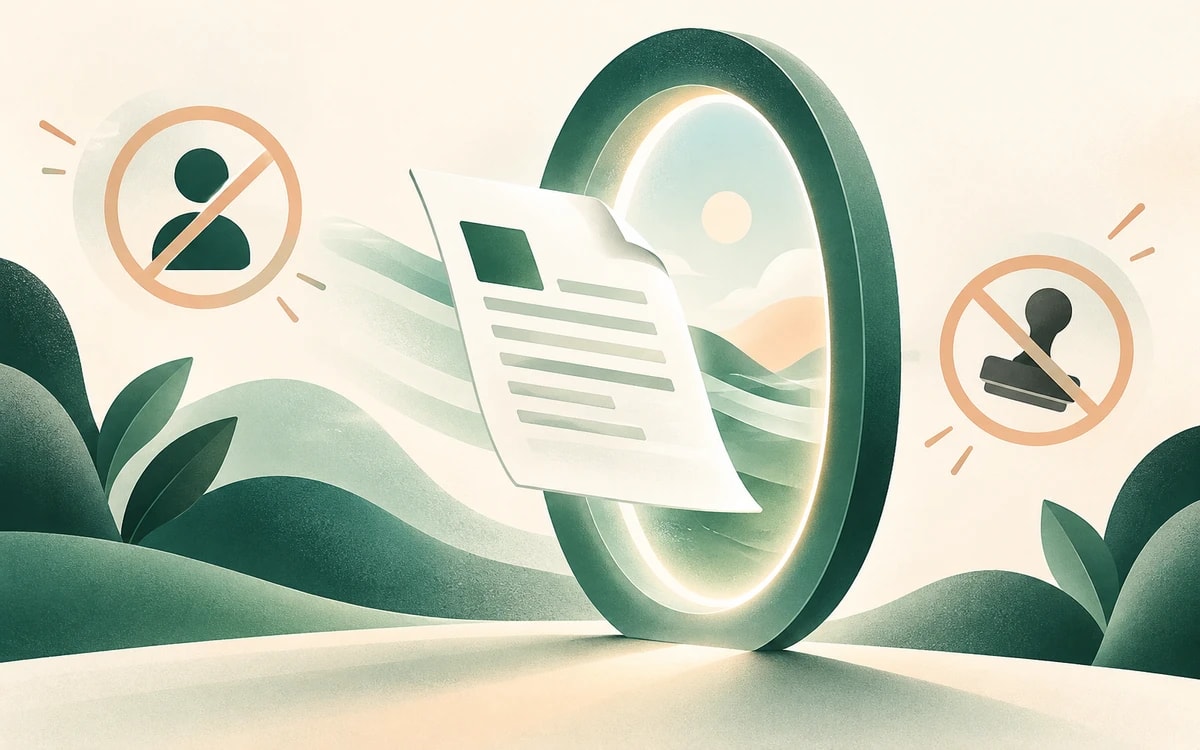
PDF watermarks are attached in a few standard ways, and this tool removes all of them. Stamp-style overlays - the classic DRAFT or CONFIDENTIAL floating on the page - are annotation objects sitting above the content. Acrobat's own 'Add Watermark' feature writes specially tagged watermark blocks into each page. And many generators put the watermark on a separate layer (an optional content group) named 'Watermark'.
In each case the watermark is a separate, identifiable structure - so it can be deleted cleanly and completely, without touching the page underneath. Nothing is painted over, and nothing else is altered.
Some tools flatten the watermark into the page itself: the text or logo becomes ordinary page graphics, indistinguishable from real content. No tool can reliably identify those automatically - anything claiming otherwise is guessing, and guessing deletes the wrong things.
If this tool reports that no standard watermark was found, open the file in the free PDF editor instead: the redact tool erases the watermark text or logo from exact regions you choose, and the remove-image tool deletes a repeated background image in one click.
The file is processed entirely in your browser: nothing is uploaded, stored, or seen by a server. Free, no watermark added (obviously), no sign up.
Use this tool for documents you have the right to modify - your own drafts, purchased templates whose license permits it, or files where the watermark's purpose has expired. Removing watermarks to bypass licensing or copyright is not what this is for.
Watermark annotation overlays, DRAFT and CONFIDENTIAL stamps, watermarks added by Adobe Acrobat's 'Add Watermark' feature, and watermarks placed on a layer named 'Watermark'. These cover the vast majority of tool-generated watermarks. Other stamps, such as Approved or custom image stamps, are left in place.
Then the watermark is flattened into the page graphics itself. Open the file in the free PDF editor: use redact to erase it from exact regions, or remove image if it is a repeated background picture.
No. Watermark structures are separate from the page content, so they are deleted cleanly - text, images, links, and layout stay exactly as they were.
No. The whole process runs in your browser. The file never leaves your device.
That depends on whose document it is. Removing a watermark from your own files, or where the license allows it, is fine. Removing one to bypass copyright or licensing restrictions is not - and this tool is not intended for that.
Change or replace existing text directly in the document.
Click anywhere to type and fill in non-interactive forms.
Type answers onto any form, even scanned or non-fillable ones.
Type, draw, or upload your signature and place it anywhere.
Highlight, underline, strikethrough, and add notes.
Find tag, alt text and heading problems, and see where each one is.