Tutorials
Trim unwanted pages - no sign up
Drag and drop the PDF you want to trim. Files up to 1MB are supported on the free plan.
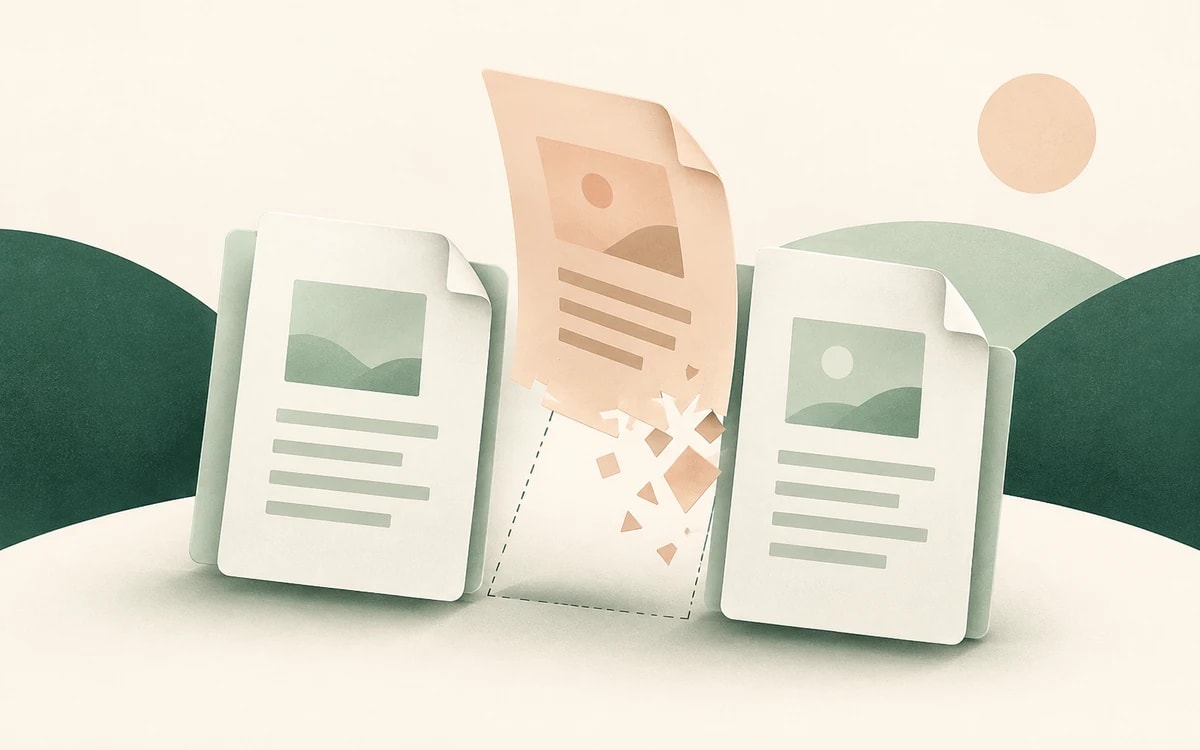
Preview every page as a thumbnail and delete the ones you don't need - blank pages, duplicates, cover sheets, or confidential sections.
Save the trimmed document instantly. The remaining pages keep their order, with no account and no watermark.
A lot of PDFs arrive with pages you want gone: a blank back page, a duplicate scan, a fax cover sheet, or a confidential section you should not forward.
PainlessPDF shows every page as a thumbnail so you can pick exactly what to remove and download a tidy file with only the pages that matter.
Removing pages keeps the order and formatting of everything that stays. There is no re-export or quality loss, so the file you download looks identical to the original minus the pages you deleted.
Trimming unwanted pages from a PDF is the kind of quick fix that shouldn't cost money or require Acrobat. PainlessPDF runs in your browser on any operating system: upload over a secure HTTPS connection, drop the pages you don't want, and download a clean file with no account and no watermark.
Yes. You can remove pages from a PDF for free with no watermark and no account required.
Yes. Select as many pages as you like from the thumbnail view and remove them in one step.
Yes. The pages you keep stay in their original order and formatting; only the pages you selected are removed.
No. Removing pages is done entirely through the website, so there is no software to install. Open it in any modern browser and the trimmed PDF downloads as soon as it's ready.
Change or replace existing text directly in the document.
Click anywhere to type and fill in non-interactive forms.
Type answers onto any form, even scanned or non-fillable ones.
Type, draw, or upload your signature and place it anywhere.
Highlight, underline, strikethrough, and add notes.
Find tag, alt text and heading problems, and see where each one is.