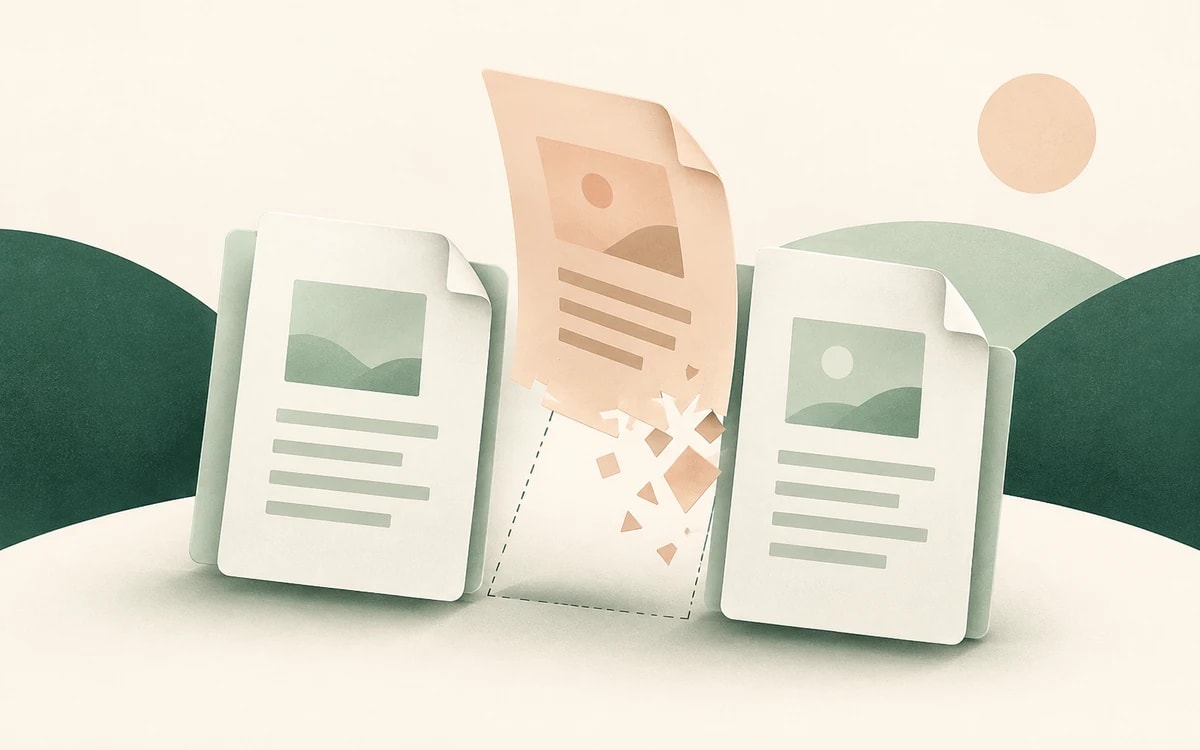
A PDF often arrives with pages you do not want: a blank separator page, a duplicated scan, a confidential cover sheet, or a long appendix you need to strip out before sharing. Deleting those pages should not require installing Acrobat or uploading your document to an unknown server.
This guide shows how to delete pages from a PDF for free using PainlessPDF. It runs in any browser, with no account and no watermark.
When you might need to remove PDF pages
- Stripping a blank or duplicate page out of a scanned document
- Removing a confidential cover sheet before sending a report
- Cutting an appendix or terms page you do not need to share
- Trimming a long export down to the pages that matter
- Cleaning up a merged file that picked up extra pages
How to delete pages from a PDF
1. Open the delete pages tool
Go to PainlessPDF Delete Pages. You will see a drag-and-drop area where you can add your file.
2. Upload your PDF
Drag your PDF onto the drop area, or click to browse and select it. The document opens in the editor as a grid of page thumbnails.
3. Select the pages to remove
Click the pages you want to delete. Selected pages are highlighted, so you can confirm your choice before anything is removed. Select a single page or several at once.
4. Delete
Remove the selected pages. The remaining pages renumber automatically, so there are no gaps in the final document.
5. Download
Click Download in the top-right corner. Your trimmed PDF is ready, with no watermark added.
Tips
- Preview before you delete. Scroll through the thumbnail grid to be sure you have the right pages selected.
- Removing many pages? Consider splitting instead. If you only want a small range, the Split PDF tool extracts the pages you keep rather than deleting the rest.
- Reorder while you are there. The file opens in the editor, so you can also organize pages or drag them into a new order before downloading.
Is deleting PDF pages free?
Yes. PainlessPDF is free, requires no account, and adds no watermark. There is no trial period and no sign up before you can download your file.
Privacy
Your file is sent over an encrypted (HTTPS) connection, processed only to remove the pages you selected, and not retained afterwards. Temporary processing sessions are cleared automatically, and no account stores your documents.
Ready to clean up your document? Delete pages from your PDF for free, no sign up required.