Guides
Runs in your browser - the file is never uploaded
Drag and drop the file you want to invert. Files up to 50MB are supported, and nothing is uploaded - it all happens on your device.
Every page is inverted: white backgrounds become black, dark text becomes light, and images are inverted in place. The result looks the same in every reader - Acrobat, Chrome, Kindle, or your phone.
The inverted file downloads instantly. Text stays selectable and searchable, and the file size barely changes.
Some PDF readers offer a dark theme, but it usually darkens the app - not the document. The page itself stays a bright white rectangle, which defeats the point at night. And the moment you open the file somewhere else, the dark theme is gone.
This tool writes the inversion into the PDF itself. The dark version stays dark in every viewer: Adobe Acrobat, Chrome, Safari, Preview, e-readers, and mobile apps. Ideal for reading long documents at night, on OLED screens, or with light sensitivity.
Most online color inverters rasterize the document: they turn every page into a picture, invert the picture, and glue the pictures back into a PDF. The result can't be searched, text can't be selected or copied, zooming shows pixels, and the file balloons in size.
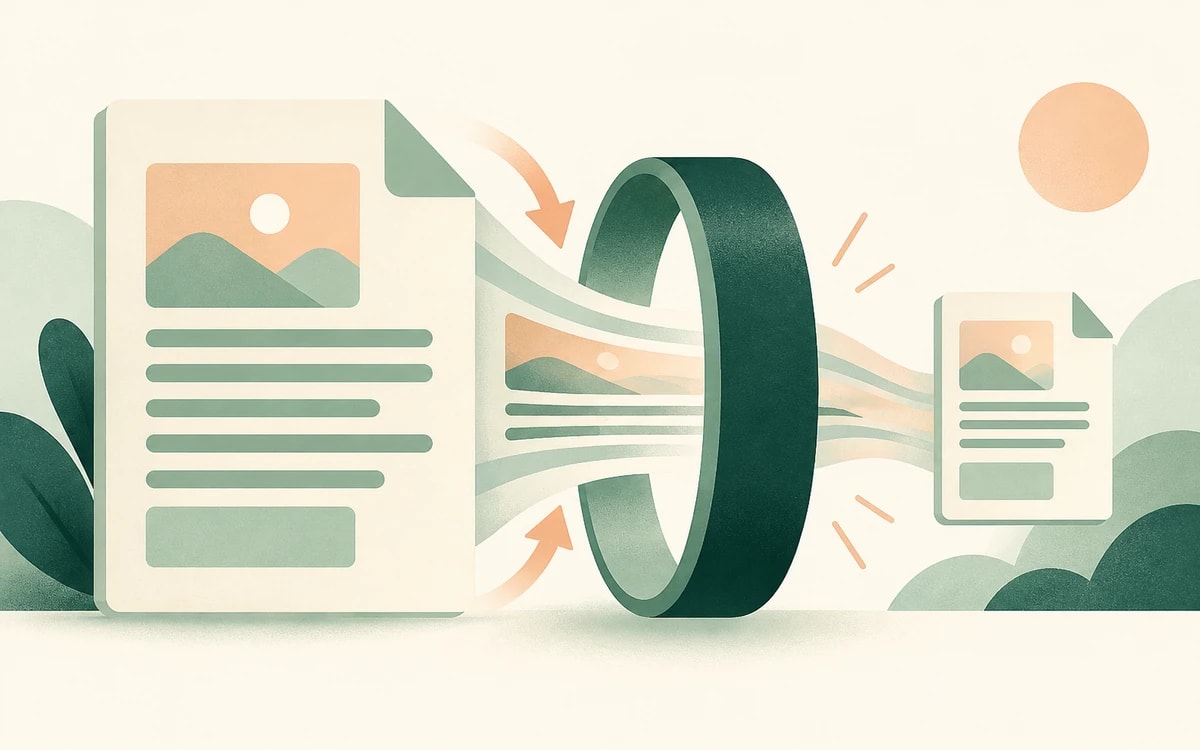
This tool inverts colors using the PDF's own rendering model instead of flattening pages to images. Text remains real, selectable, searchable text. Vector graphics stay sharp at any zoom. The file grows by only a few bytes per page.
The inversion is lossless and reversible - run the inverted file through the tool again and you get the original look back.
Everything runs in your browser: the PDF is never uploaded, stored, or seen by a server. Free, no watermark, no sign up.
Drop the PDF into the tool above and download the inverted copy. Its pages are dark with light text, and unlike a reader's dark theme, the dark mode is saved in the file - it stays dark in Acrobat, Chrome, Preview, and on your phone.
Yes. The inversion is written into the file using standard PDF blend modes (PDF 1.4, from 2001), so it renders dark everywhere - Acrobat, browsers, e-readers, and mobile apps.
Yes. Unlike tools that convert pages to images, this keeps the original text and graphics intact - text stays selectable, searchable, and sharp at any zoom level.
Yes. Running the inverted file through the tool again restores the original appearance. Keeping your original file is still the safest option.
They are inverted along with everything else, like a photo negative. For documents that are mostly text this looks great; photo-heavy documents may look unusual - that is the nature of color inversion.
No. The whole process runs in your browser. The file never leaves your device.
This tool only inverts colors - the pages stay in the same order. To flip the page order so the last page comes first, use the free Reverse PDF page order tool instead.
Change or replace existing text directly in the document.
Click anywhere to type and fill in non-interactive forms.
Type answers onto any form, even scanned or non-fillable ones.
Type, draw, or upload your signature and place it anywhere.
Highlight, underline, strikethrough, and add notes.
Find tag, alt text and heading problems, and see where each one is.