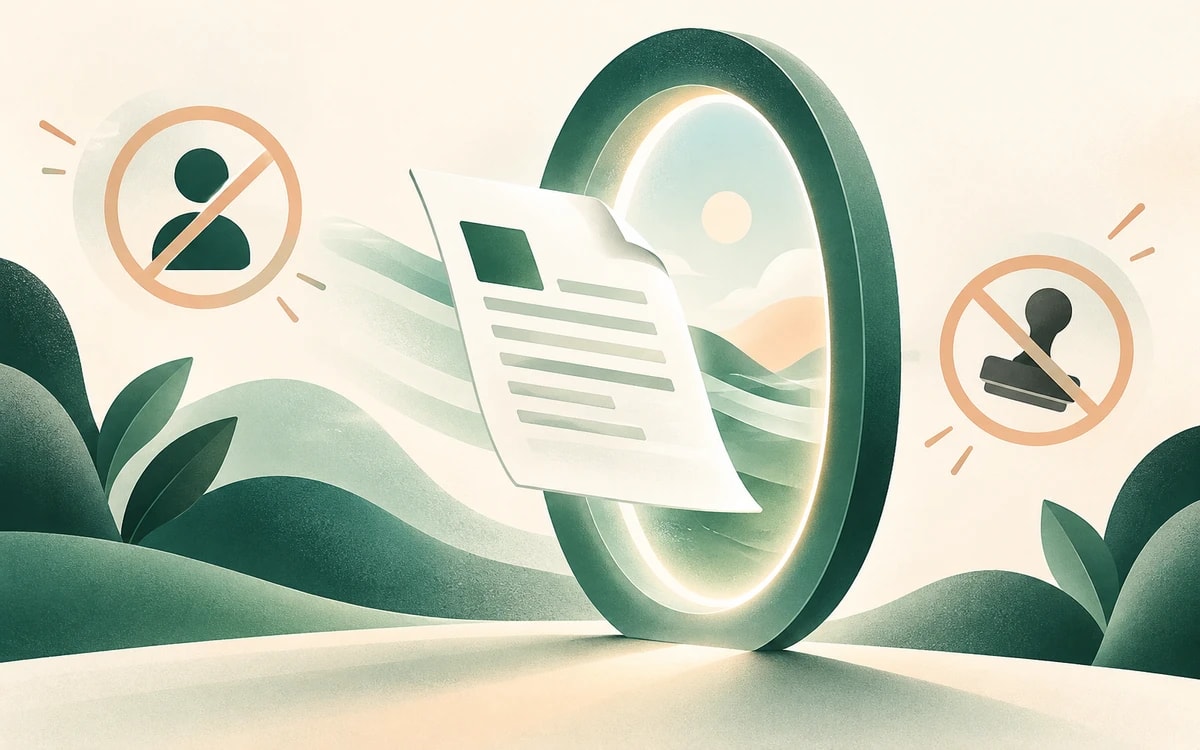
You should not have to create an account to edit one PDF. But most online editors put a sign up wall between you and your file: enter an email, confirm it, start a "free" trial, and only then can you download, often with a watermark across the page.
This guide covers how to edit a PDF with no sign up and no watermark using PainlessPDF. There is no account, no trial, and no email required.
What "no sign up" should actually mean
A genuinely no sign up PDF editor lets you:
- Open a file without creating an account
- Edit it without confirming an email
- Download the result without a trial or credit card
- Keep a clean document with no watermark added
PainlessPDF meets all four. You land on the page, drop in your file, edit, and download.
Why no watermark matters
A watermark turns a finished document into an advertisement for the tool that made it. For a resume, contract, invoice, or anything you send to someone else, that is not acceptable. PainlessPDF never stamps your exports, on the free plan, with no upgrade required to remove it.
How to edit a PDF with no sign up
1. Open the editor
Go to the PainlessPDF editor. There is no login screen, no email gate, and nothing to install.
2. Add your PDF
Drag your file onto the page, or click to upload. It opens straight away.
3. Make your changes
- Edit existing text directly in the document
- Add new text to fill in a form
- Highlight and annotate for review
- Sign by typing, drawing, or uploading a signature
- Merge, split, or delete pages
4. Download
Click Download. Your file saves with no watermark and no account.
Is a free no sign up editor safe?
It can be safer than the alternatives. There is no account holding your data because there is no account at all, so nothing about you or your document is stored long term.
Privacy
When an edit needs processing, your file is sent over an encrypted (HTTPS) connection, used only for the action you asked for, and not kept afterwards. Temporary processing sessions are cleared automatically, and there is no account where your files pile up.
No account, no trial, no watermark. Open the editor and edit your PDF now.