Anleitungen
Seiten per Drag-and-drop sortieren - ohne Anmeldung
Zieh das Dokument hinein, das du neu ordnen möchtest. Dateien bis zu 1 MB sind im kostenlosen Tarif möglich.
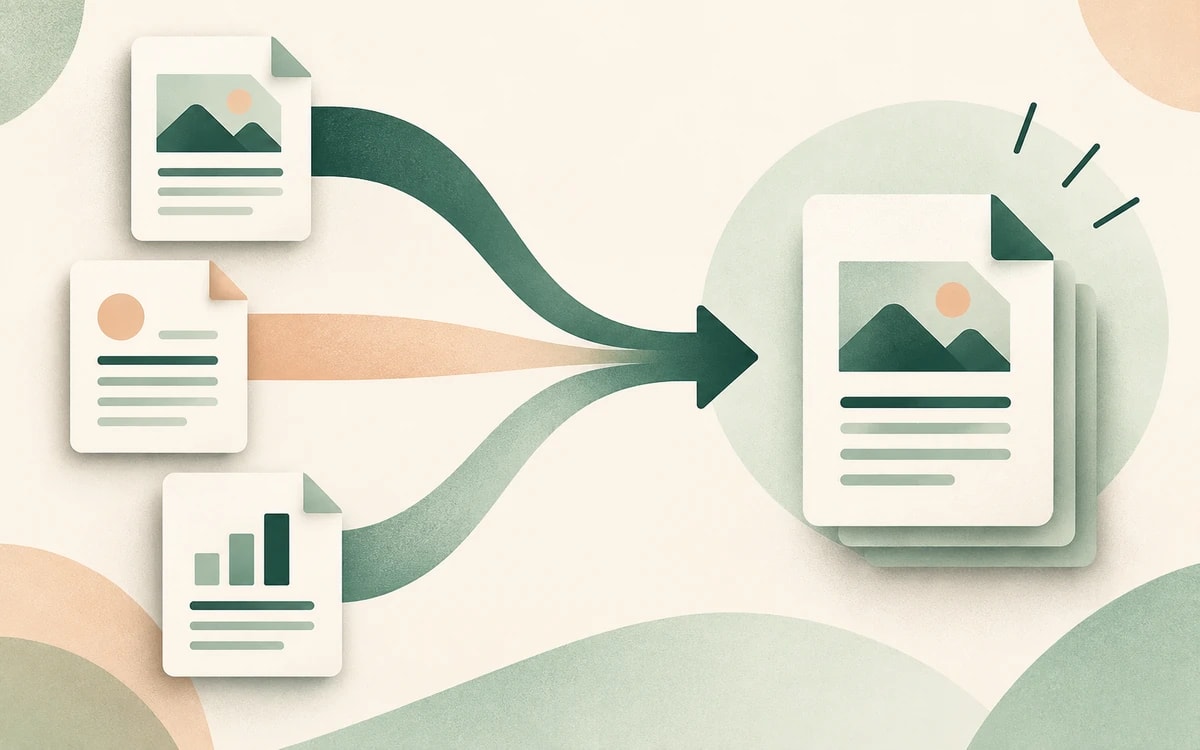
Sieh jede Seite als Miniaturansicht und zieh sie in die gewünschte Reihenfolge. Verschieb eine einzelne Seite oder ordne das ganze Dokument neu an.
Speichere die neu geordnete PDF sofort. Die neue Seitenreihenfolge wird in die Datei geschrieben - ohne Konto und ohne Wasserzeichen.
Wenn du PDF-Seiten sortieren willst, kommen Scans durcheinander heraus, zusammengeführte Dateien landen in der falschen Reihenfolge und bei Berichten muss oft ein Abschnitt nach vorne. Seiten in einer Desktop-App von Hand umzuordnen ist mühsam.
PainlessPDF zeigt dein ganzes Dokument als Raster aus Miniaturansichten, sodass du Seiten in die exakt gewünschte Reihenfolge ziehen und das Ergebnis in Sekunden speichern kannst.
Verschieb eine einzelne Seite, tausch zwei Abschnitte oder kehr einen Stapel Scans um. Seiten zu sortieren ist der schnellste Weg, ein sauberes Dokument aus Teilen zusammenzusetzen, die in falscher Reihenfolge ankamen.
Eine PDF in die richtige Reihenfolge zu bringen sollte nichts kosten und keine Installation erfordern. Das Sortier-Tool läuft im Browser unter Windows, Mac, Linux und Chromebook - ohne Anmeldung. Dein Dokument wird über eine sichere HTTPS-Verbindung hochgeladen und die neu geordnete Datei ohne Wasserzeichen heruntergeladen.
Ja. Du kannst PDF-Seiten kostenlos sortieren und neu anordnen - ohne Wasserzeichen und ohne Konto.
Zieh eine beliebige Seitenminiatur an eine neue Position. Du kannst eine Seite verschieben oder das ganze Dokument neu anordnen.
Ja. Beim Herunterladen wird die neue Seitenreihenfolge in die PDF geschrieben, sodass sie in jedem Betrachter richtig öffnet.
Nein. Es läuft im Browser, es gibt also nichts herunterzuladen. Lade deine Datei hoch, zieh die Seiten in die gewünschte Reihenfolge und speichere.
Vorhandenen Text direkt im Dokument ändern oder ersetzen.
Überall klicken, tippen und nicht-interaktive Formulare ausfüllen.
Antworten in jedes Formular tippen, auch gescannte oder nicht ausfüllbare.
Unterschrift tippen, zeichnen oder hochladen und frei platzieren.
Markieren, unterstreichen, durchstreichen und Notizen ergänzen.
Tag-, Alternativtext- und Überschriftenprobleme finden und sehen, wo sie liegen.