Tutorials
Excel to PDF in one step - no sign up
Drag and drop a .xls or .xlsx file. Files up to 50MB are supported on the free plan.
Your spreadsheet is converted with LibreOffice, keeping tables, columns, and number formatting intact.
Save the finished PDF straight away. No email, no account, and no watermark.
Sending an .xlsx means the other person can change the numbers, and it may look different depending on their software. A PDF locks the layout so your figures and tables are presented exactly as you intend.
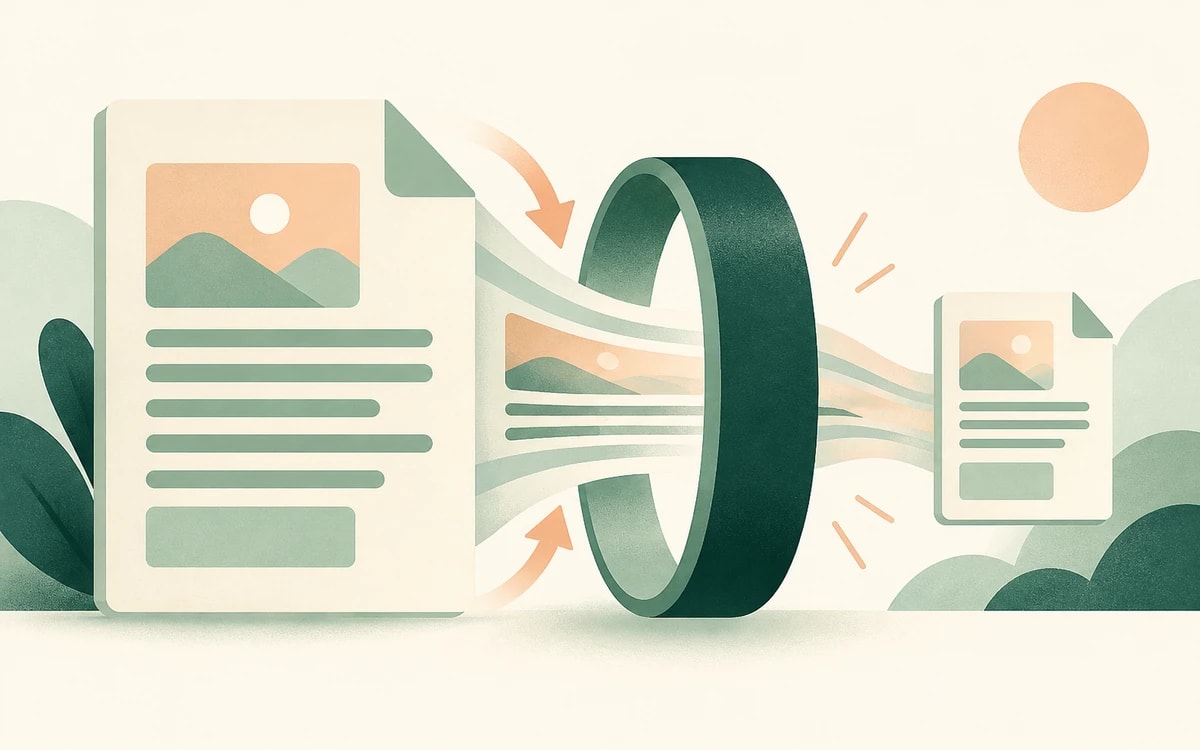
PainlessPDF converts your Excel file to a clean PDF, ready to email, print, or attach to a report.
Conversion is handled by LibreOffice, so columns, borders, and number formats come through close to how they look in Excel. Once it is a PDF you can also merge it with other documents or add page numbers.
There is no account to create and nothing to download. Your file is sent over a secure (HTTPS) connection, converted on our servers, and the PDF downloads with no watermark. It is used only for the conversion you requested and is not kept afterwards.
Yes. You can convert Excel spreadsheets to PDF for free, with no watermark and no account required.
You can convert .xls, .xlsx, .ods, and .csv files. Each file needs to be within the free plan size limit.
Conversion uses the spreadsheet's print area and page setup, just like Excel. Very wide sheets may split across pages, so setting a print area or scaling in your spreadsheet first gives the cleanest result.
No. The conversion runs online, so you do not need Microsoft Excel or any install. Upload your file and the PDF downloads when it's ready.
Change or replace existing text directly in the document.
Click anywhere to type and fill in non-interactive forms.
Type answers onto any form, even scanned or non-fillable ones.
Type, draw, or upload your signature and place it anywhere.
Highlight, underline, strikethrough, and add notes.
Find tag, alt text and heading problems, and see where each one is.