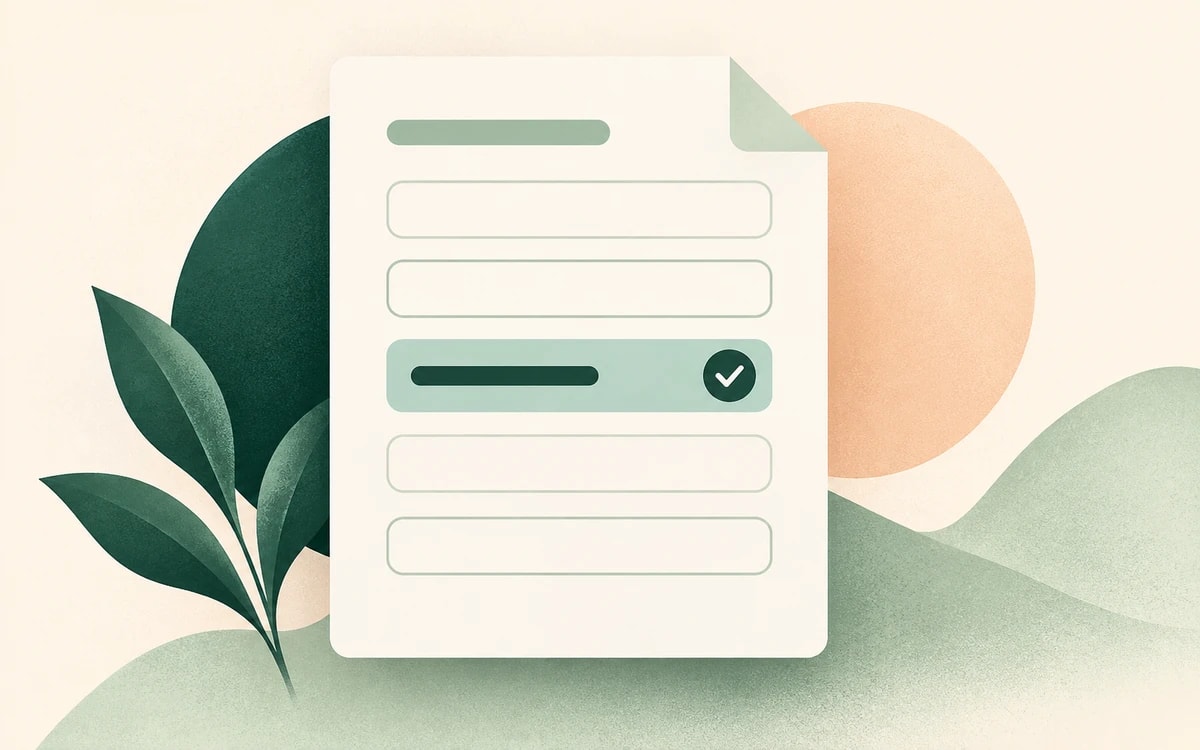
Du öffnest ein PDF-Formular, klickst an die Stelle, an der du schreiben sollst – und nichts passiert. Der Cursor will einfach nicht ins Feld. Das ist die häufigste Art von PDF-Formular: ein flaches Dokument mit aufgedruckten Linien und Kästchen, aber ohne echte ausfüllbare Felder dahinter.
Die Lösung: Du legst deinen eigenen Text über die Seite. Diese Anleitung zeigt dir, wie das kostenlos mit dem PainlessPDF-Formular-Tool funktioniert – ohne Konto und ohne Wasserzeichen.
Warum sich manche PDF-Formulare nicht beschreiben lassen
Ein PDF hat nur dann anklickbare Felder, wenn die Person, die es erstellt hat, interaktive Formularfelder (die sogenannte AcroForm-Ebene) eingebaut hat. Viele Formulare sind aber einfach eingescanntes Papier oder exportierte Dokumente ohne all das – es gibt also nichts, was man anklicken könnte. Statt das Formular umzuwandeln oder auszudrucken, kannst du den Text genau dort platzieren, wo er hingehört.
So füllst du ein nicht ausfüllbares PDF-Formular aus
1. Formular öffnen
Gehe zu Text zu PDF hinzufügen und ziehe dein Formular auf die Seite. Es öffnet sich sofort, ganz ohne Login.
2. An die Stelle klicken, an der du schreiben willst
Klicke auf eine beliebige leere Linie oder ein Kästchen und tippe los. Positioniere den Text über der Linie und passe dann die Schriftgröße an, damit er sauber auf dem Formular sitzt.
3. Für jedes Feld wiederholen
Arbeite dich durch das Formular: Name, Datum, Adresse, Kästchen (ein kleines "X" oder "✓" reicht) und jede Unterschriftszeile. Du kannst auch deine Unterschrift hinzufügen, falls das Formular eine verlangt.
4. Fertiges Formular herunterladen
Klicke auf Herunterladen. Dein ausgefülltes Formular wird als ganz normales PDF gespeichert – bereit zum Versenden oder Hochladen, ohne Wasserzeichen.
Tipps für sauber ausgefüllte Formulare
- Passe die Textgröße an die Linie an. Verkleinere oder vergrößere deinen Text, damit er die aufgedruckten Beschriftungen nicht überdeckt.
- Verwende eine einzige Farbe. Schwarz oder Dunkelblau wirkt wie ein ausgefülltes Formular und nicht wie eine Anmerkung.
- Prüfe die Ausrichtung vor dem Download. Zoome hinein, um sicherzugehen, dass jede Antwort auf ihrer Linie sitzt.
- Brauchst du ein Kreuz im Kästchen? Tippe ein "X" und zieh es über das Kästchen, statt nach einem eigenen Kästchen-Werkzeug zu suchen.
Ist das Ausfüllen eines PDF-Formulars kostenlos?
Ja. Du kannst jedes PDF beschreiben und das Ergebnis kostenlos herunterladen – ohne Testphase und ohne Wasserzeichen. Die meisten Formulare sind klein und liegen problemlos innerhalb des kostenlosen Limits, sodass ein typischer Antrag oder Aufnahmebogen ganz ohne kostenpflichtigen Tarif funktioniert.
Bereit, deins auszufüllen? Füll dein PDF-Formular jetzt aus – keine Anmeldung nötig.