Tutorials
Permanently black out PDF content - no sign up
Drag and drop the file you want to redact. Files up to 1MB are supported on the free plan.
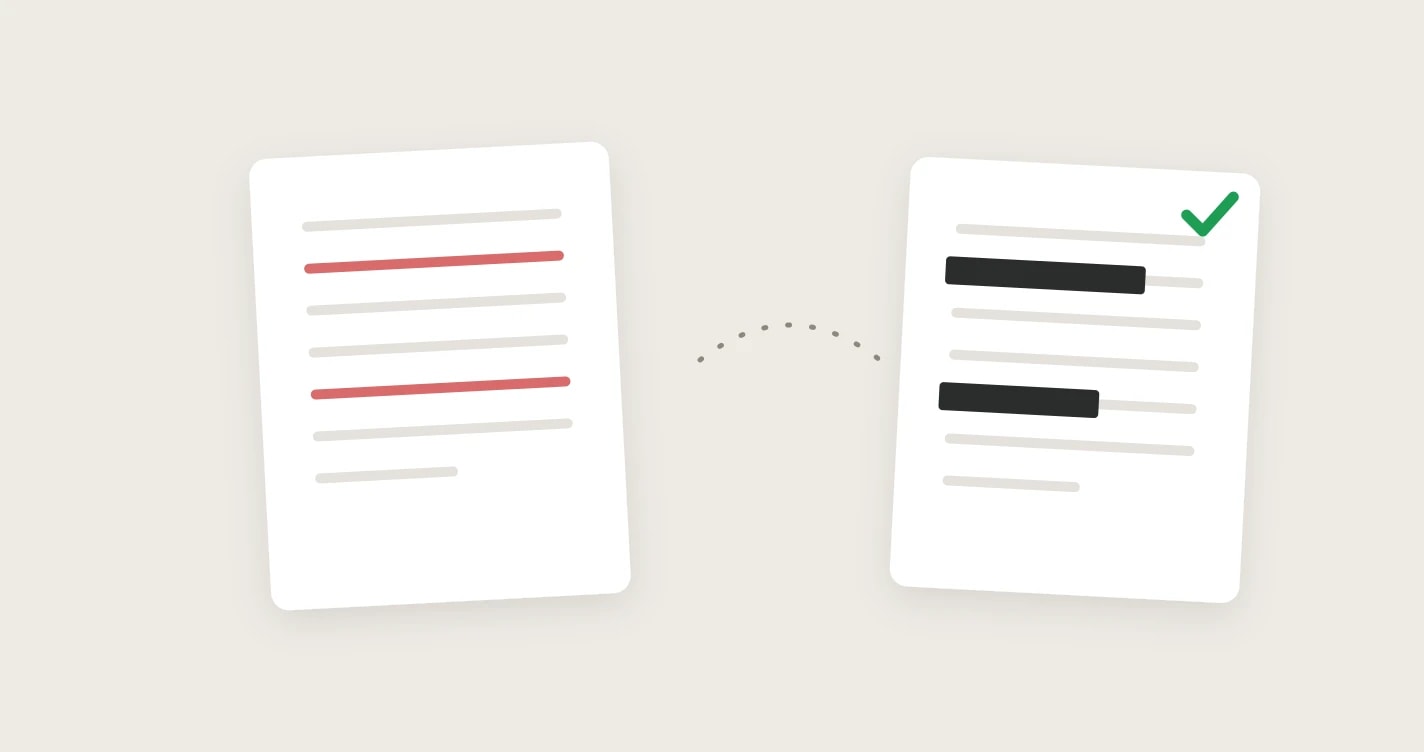
Drag a box over any name, number, or image. Add as many regions across as many pages as you need.
The covered text and images are deleted from the file itself, so they can't be copied, searched, or recovered. The rest of the page stays sharp and editable.
Most quick fixes draw a black rectangle on top of the text. The words are still in the file underneath - anyone can copy and paste them out, delete the box, or pull the text with a free tool. That is how redaction failures leak names, account numbers, and addresses.
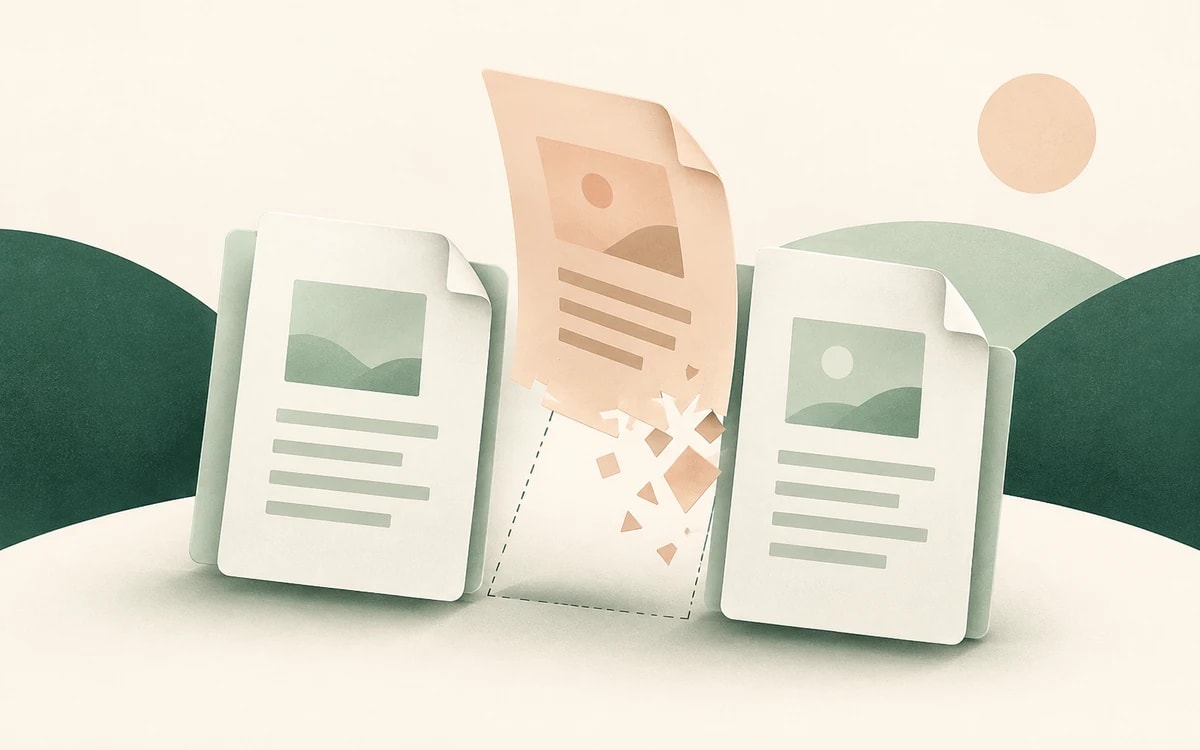
Real redaction has to remove the content, not cover it. This tool deletes the glyphs and images under each box from the PDF's content stream, so there is nothing left to recover.
Redacted text and images are destroyed, while the rest of the page stays as real, selectable, editable text. You get a clean, searchable document - only the parts you marked are gone.
When a page stores text in a way that can't be safely cleared in place, that single page is flattened to an image instead, so nothing hidden can survive. Everything else stays editable.
Redacting a PDF shouldn't cost money or mean buying Acrobat. Your file is processed over a secure (HTTPS) connection and returned for download with no watermark and no account. It is used only for the redaction you requested and is not kept afterwards.
Really removed. The text and images under each black box are deleted from the file's content stream, so they can't be copied, searched, or recovered - unlike a black rectangle drawn on top.
No. Because the underlying glyphs and images are deleted rather than covered, there is nothing left in the file to extract. The redaction is permanent.
Yes. Only the regions you marked are removed. The rest of each page keeps its real, selectable text - the whole document is not turned into a flat image.
Yes. You can redact a PDF for free with no watermark and no account required.
No, it all happens online. Upload your PDF, draw over what to hide, apply, and download the redacted file.
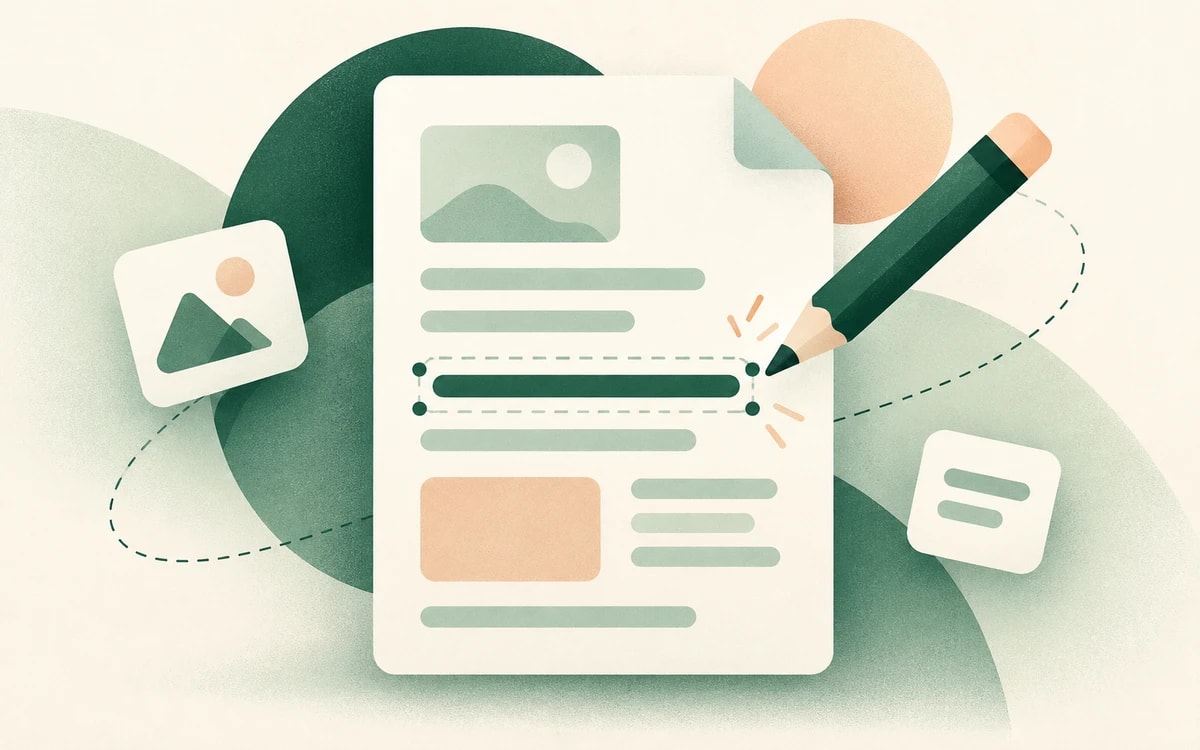
Change or replace existing text directly in the document.
Click anywhere to type and fill in non-interactive forms.
Type answers onto any form, even scanned or non-fillable ones.
Type, draw, or upload your signature and place it anywhere.
Highlight, underline, strikethrough, and add notes.
Find tag, alt text and heading problems, and see where each one is.