Tutorials
PNG images to PDF - no sign up
Drag and drop one or more PNG files. Each image can be up to 50MB on the free plan.
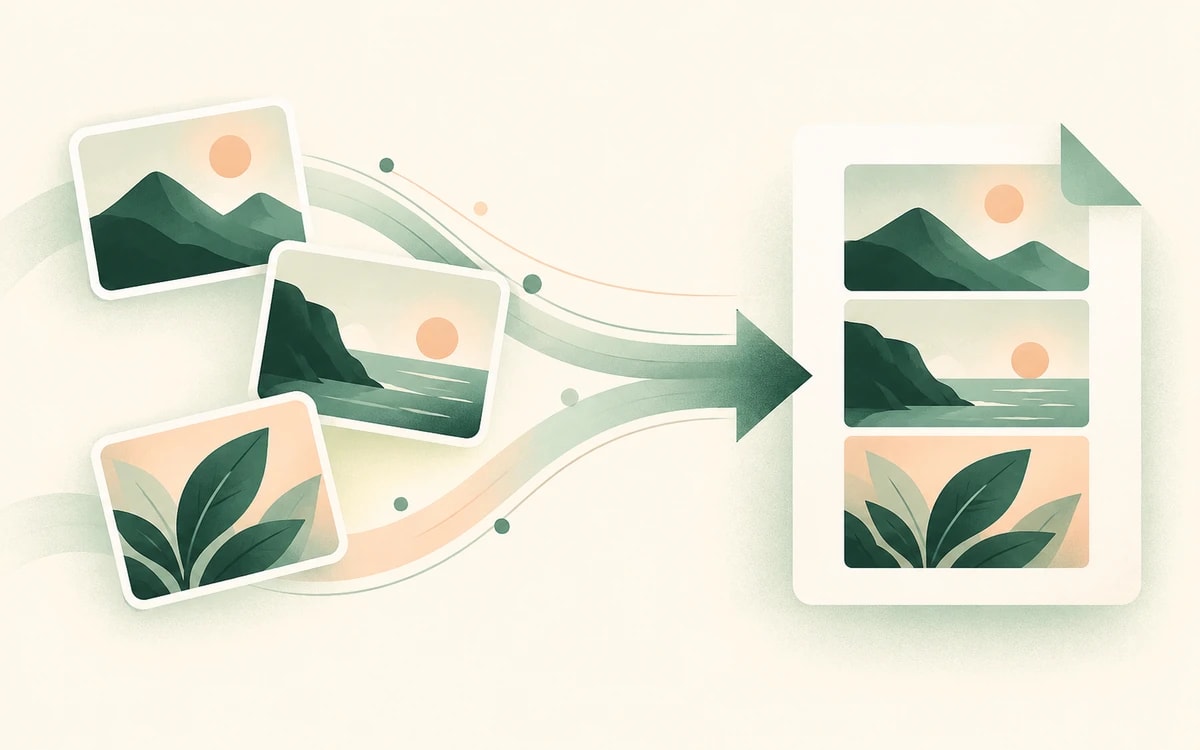
Each PNG is placed on its own page at full size, in the order you added them, keeping the original quality.
Your converted PDF downloads straight away. No email, no account, and no watermark.
PNG is the format of choice for screenshots, diagrams, logos, and anything with sharp text or lines. When you need to send several of them together, a single PDF is far tidier than a folder of loose images.
PainlessPDF combines your PNG files into one PDF, one image per page, in the order you choose, without losing the crispness PNG is known for.
There is nothing to download and no account to create. Your images are uploaded over a secure (HTTPS) connection, converted, and the PDF downloads with no watermark. Files are processed only for the conversion you requested and are not kept afterwards.
Yes. You can convert PNG images to a PDF for free, with no watermark and no account required.
Yes. Add multiple PNG files and they are combined into a single PDF, one image per page, in the order you added them.
Yes. This tool accepts both PNG and JPG, so you can mix image types in the same PDF.
No. Each PNG is placed on the page at full resolution, so the PDF keeps the quality of your original images.
No. PainlessPDF runs in your browser, so there is nothing to install. Your images upload securely and the PDF downloads when it's ready.
Change or replace existing text directly in the document.
Click anywhere to type and fill in non-interactive forms.
Type answers onto any form, even scanned or non-fillable ones.
Type, draw, or upload your signature and place it anywhere.
Highlight, underline, strikethrough, and add notes.
Find tag, alt text and heading problems, and see where each one is.