Tutorials
Real grayscale conversion - no sign up
Drag and drop the color PDF you want to convert. Files up to 50MB are supported on the free plan.
Text, vector graphics, and images are all converted to shades of gray in place - the document structure is untouched.
The converted file downloads automatically. Text stays real, selectable text - pages are not turned into images.
Sending a color PDF to a printer set to 'black and white' still lets the printer decide how to translate colors - and some drivers do it badly, producing muddy grays or even charging color-page rates. Converting the file itself to grayscale gives you a predictable result on any printer.
A grayscale PDF is also what many print shops, journals, and book printers ask for when submitting documents for black-and-white printing.
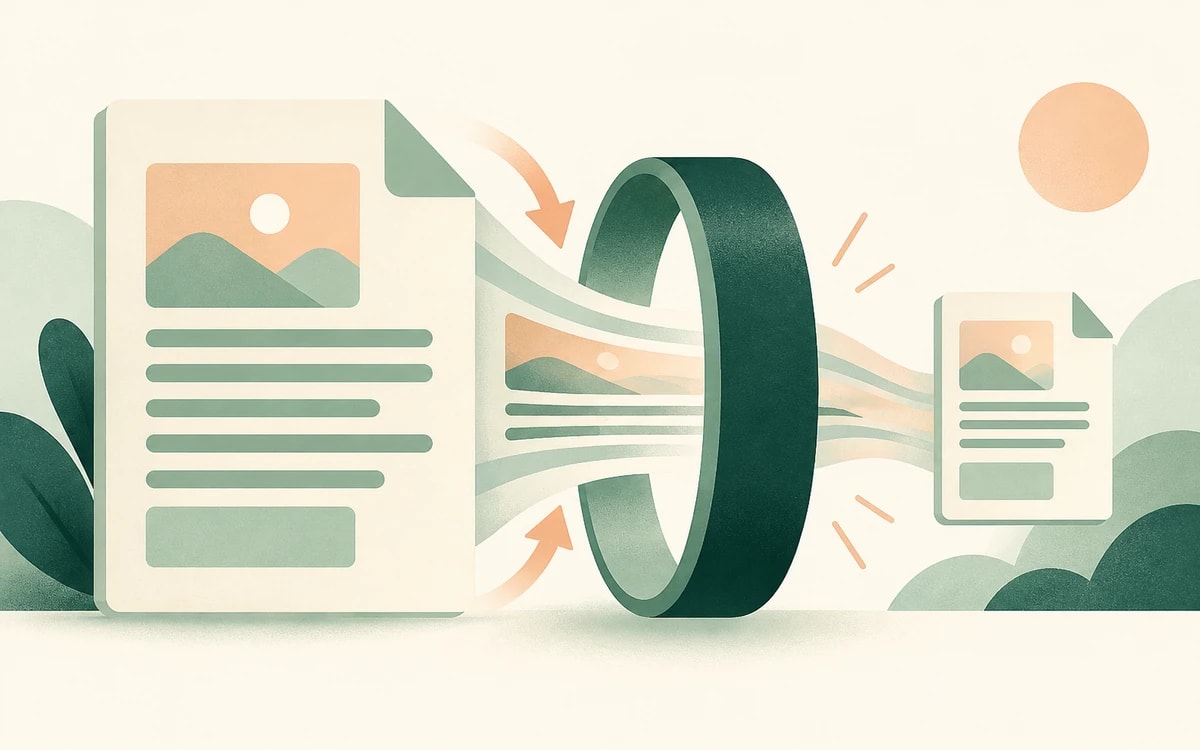
This tool converts the document's actual color values to grayscale - text, fills, lines, gradients, and images alike. The page is not rasterized into a picture: text stays selectable and searchable, vector graphics stay sharp at any zoom, and fonts stay embedded.
Because image data often compresses better in grayscale, the converted file is frequently smaller than the original too.
Converting a PDF to black and white shouldn't require Acrobat. Your file is processed over a secure (HTTPS) connection and returned for download with no watermark and no account. It is used only for the conversion you requested and is not kept afterwards.
Yes. This is a true color conversion, not a rasterization - text, fonts, and vector graphics are preserved as-is, just recolored in gray.
Often, yes. Grayscale image data usually compresses better than color, so photo-heavy documents can shrink noticeably. Text-only documents stay about the same size.
The tool converts to grayscale (shades of gray), which is what printers expect and what keeps images readable. Pure 1-bit black and white would destroy photos and shading.
Printer drivers translate colors inconsistently - some produce muddy output, some still count pages as color. A grayscale file prints predictably everywhere and is accepted by print shops.
Yes. It is completely free, with no watermark and no account required.
Change or replace existing text directly in the document.
Click anywhere to type and fill in non-interactive forms.
Type answers onto any form, even scanned or non-fillable ones.
Type, draw, or upload your signature and place it anywhere.
Highlight, underline, strikethrough, and add notes.
Find tag, alt text and heading problems, and see where each one is.